Hubb Group · Hubb AI
Your whole agency in one command centre
Hubb AI runs on your own Mac and connects WhatsApp, email, your calendar, projects, code and clients. Requests become tasks, AI agents do the work, and when you want to know what's going on, you just ask.
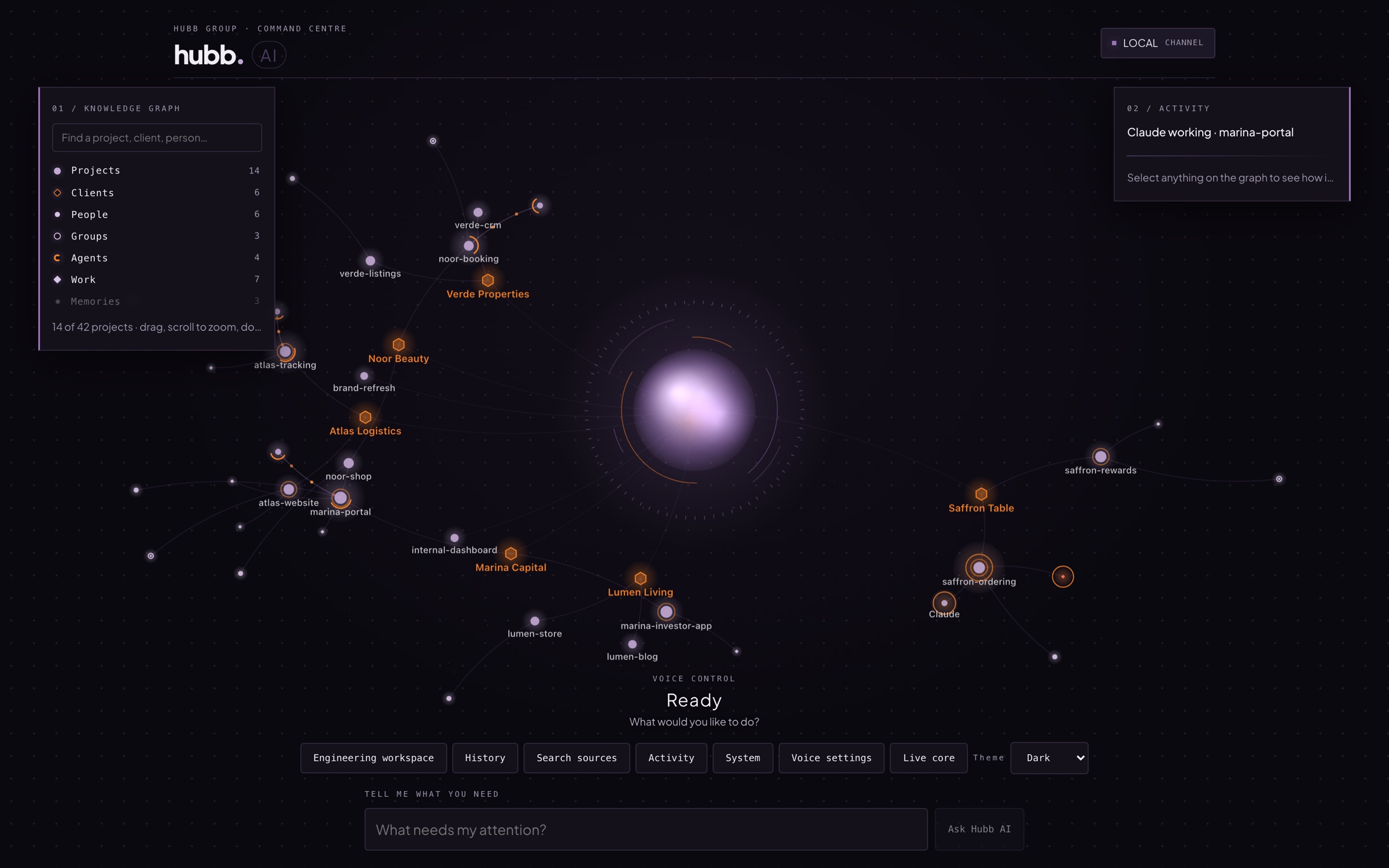
One place for everything your clients send and everything your team ships
- Calendar
- Projects
- Code
- Voice
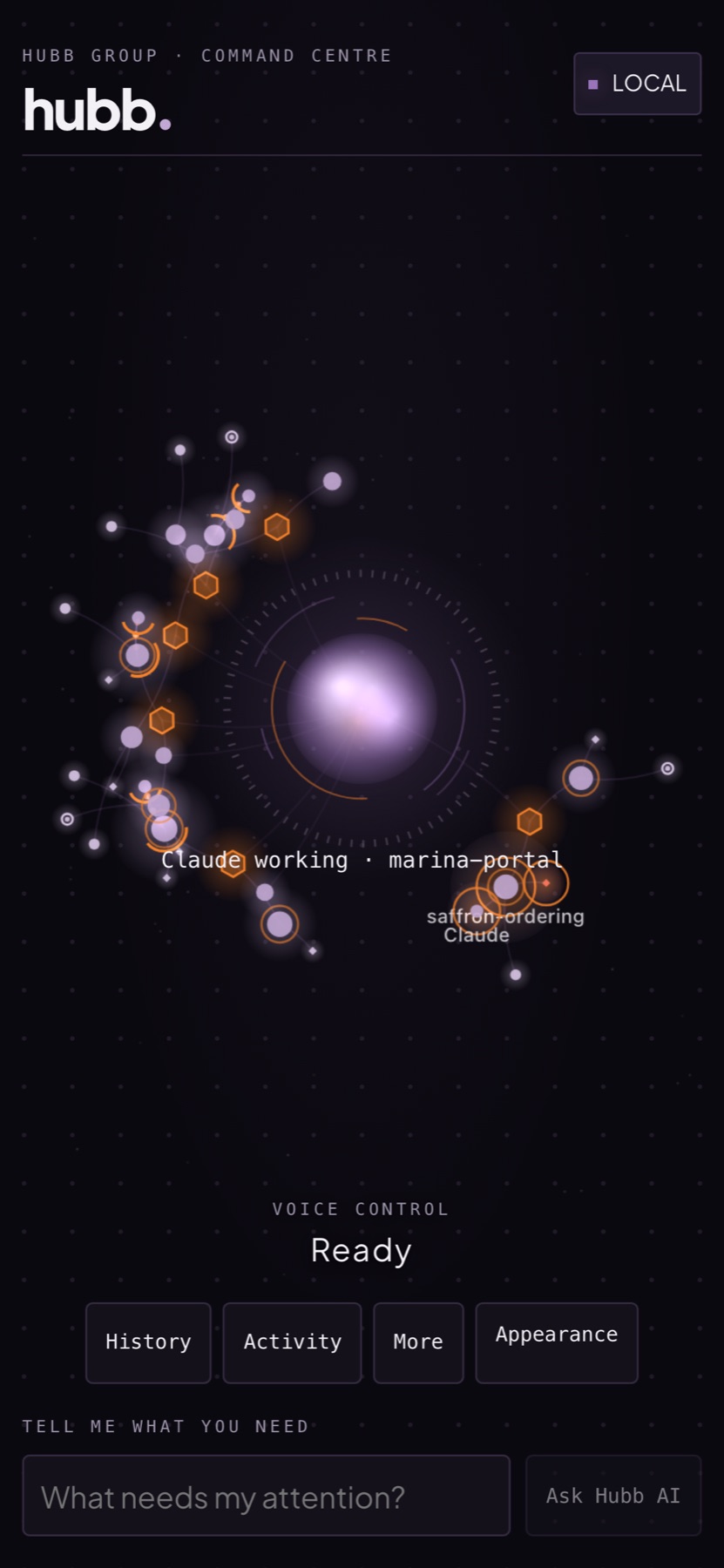
Knowledge graph
Every client, project and person, live
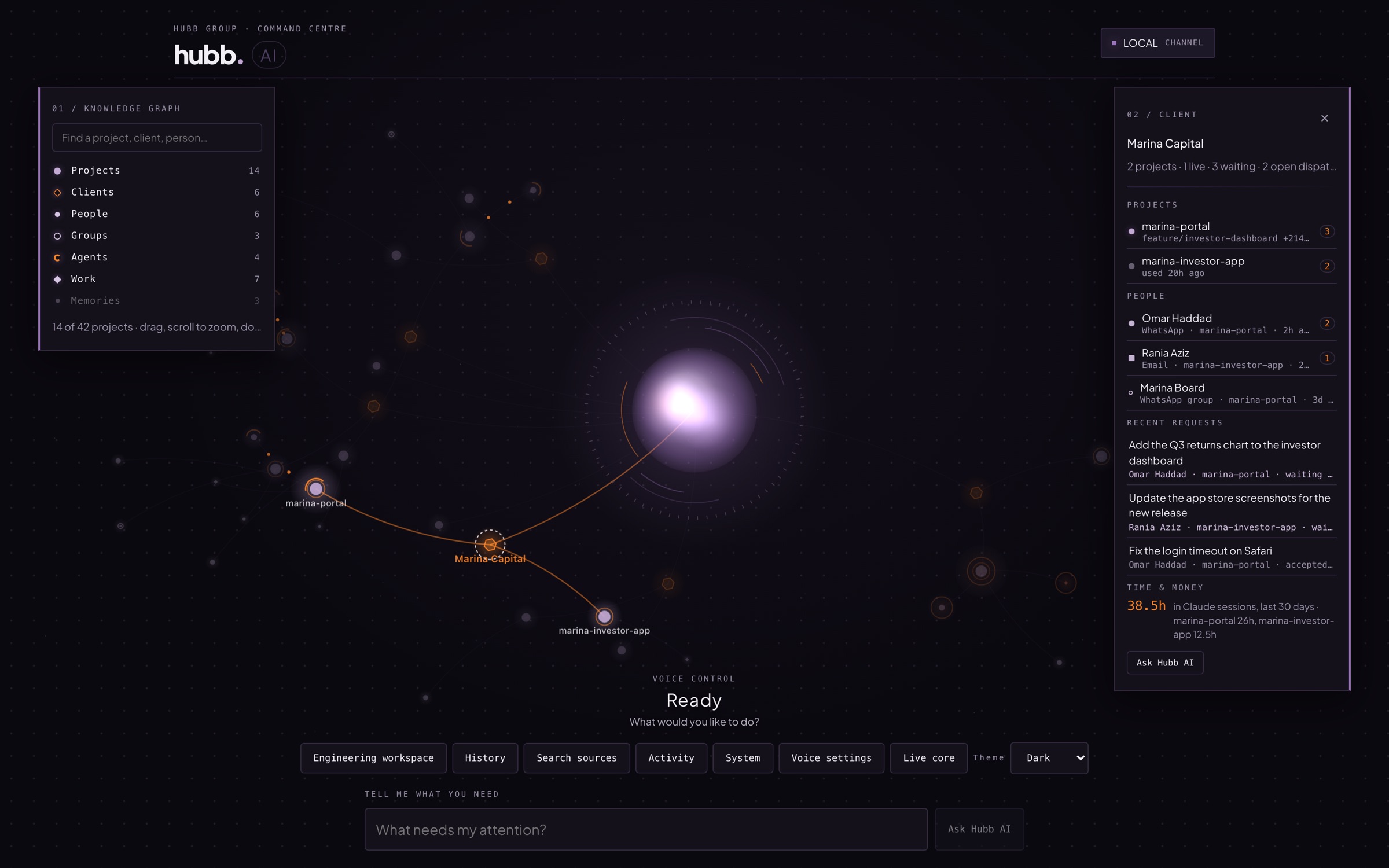
- A client view with projects, people, open requests and hours tracked
- Morning briefings on what needs you today
- Nudges when someone has waited a day, work needs review or an agent is stuck
- Search any client, project or person and jump straight to it
WhatsApp & email
Client messages become tasks, not a list in your head
- Requests turned into suggested tasks, matched to the right project
- WhatsApp messages and client updates sent or scheduled for you
- Flags anyone who has waited too long for a reply
- Searches your mail and drafts replies for your approval
Projects & code
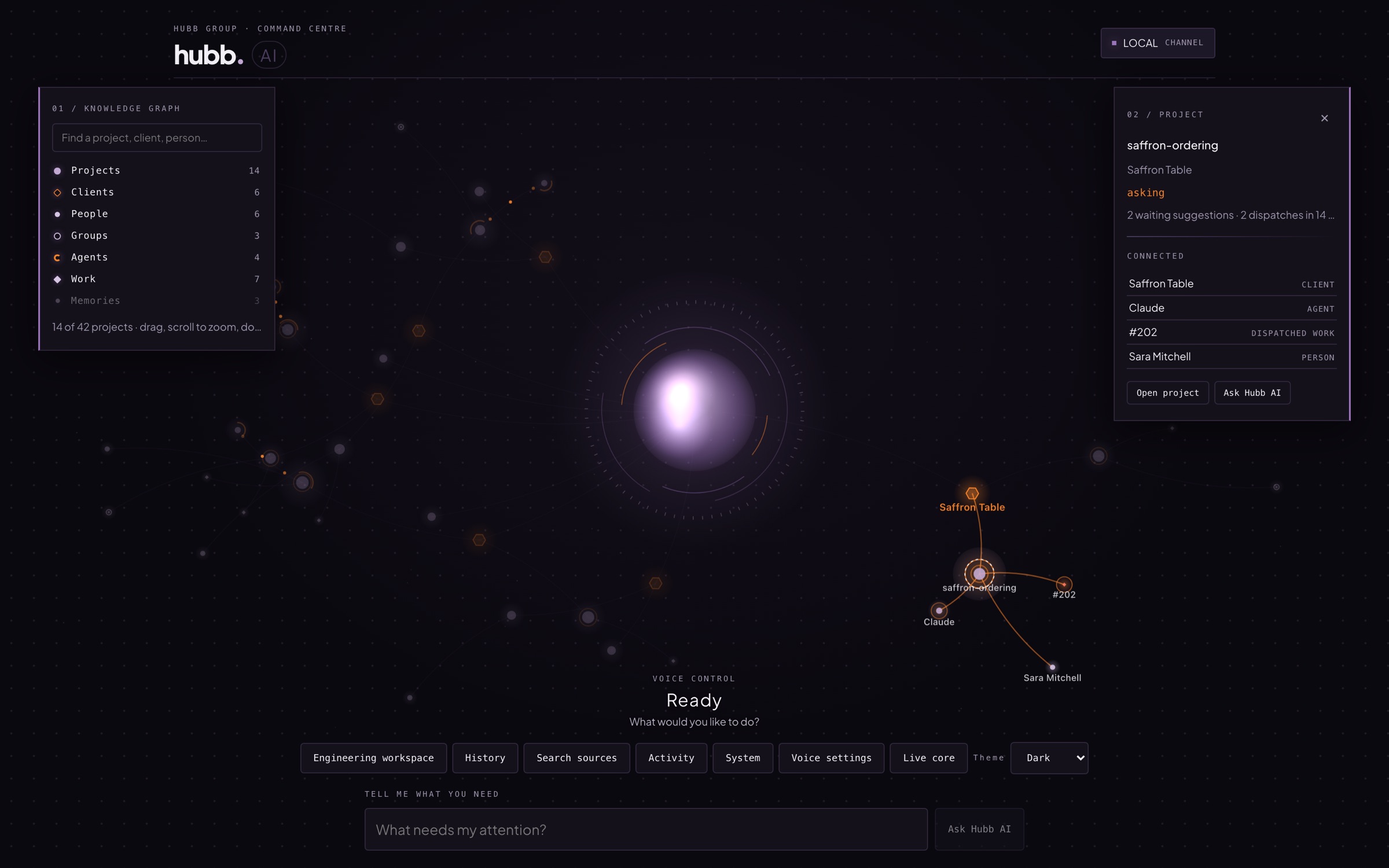
AI coding agents across every client project
- Code search across all of your projects
- Read-only database queries and test runs
- Git, pull requests, deploys and live server logs
- Site audits: Lighthouse speed, before-and-after screenshots, full crawls, domains, email deliverability, uptime and error tracking
Voice
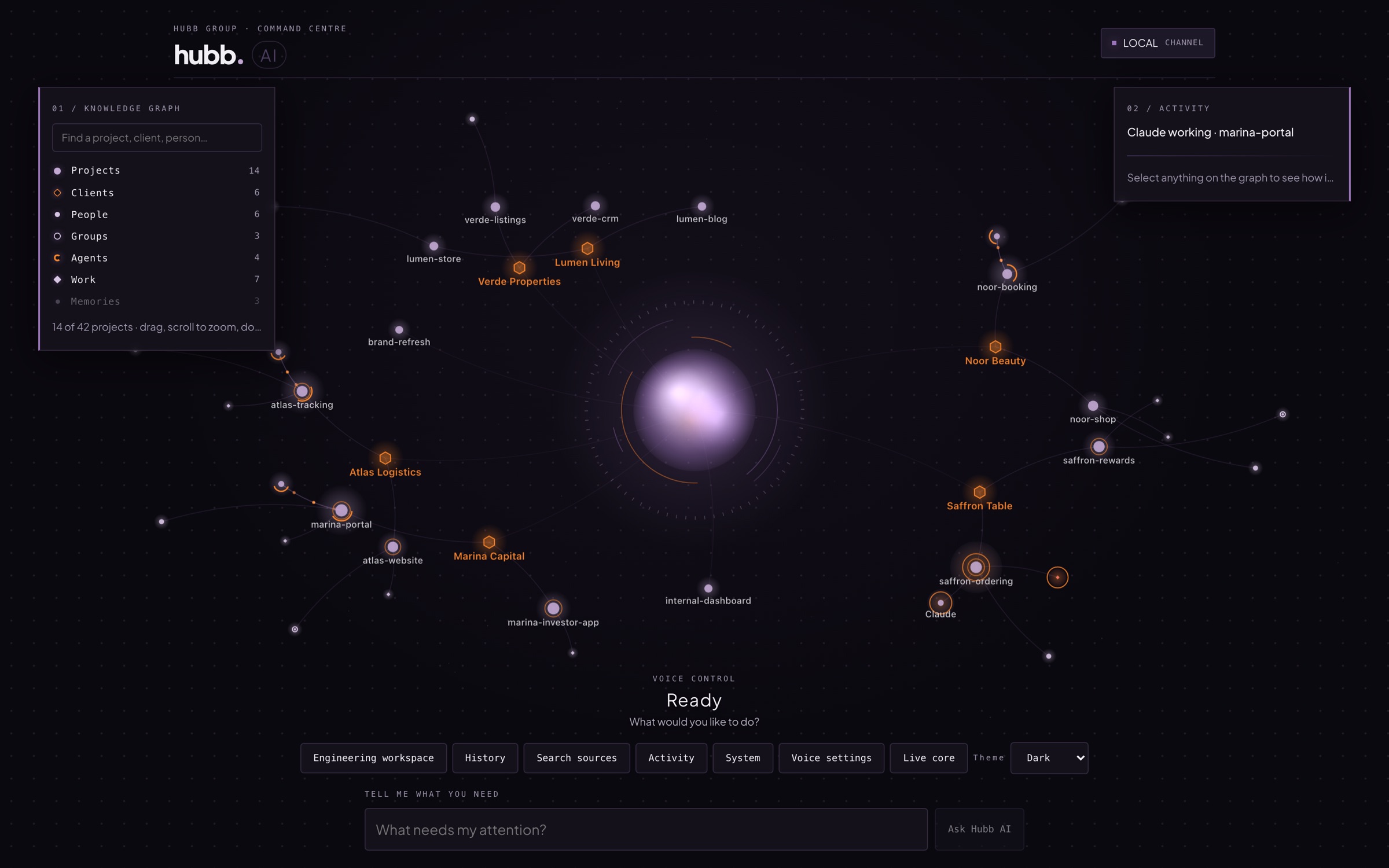
Say “Hubb” and just ask
Talk to Hubb AI the way you would talk to a colleague. Quick answers come back in about two seconds, and replies start speaking almost instantly.
- “Brief me.”
- “What’s going on with Marina Capital?”
- “Who asked for the login fix?”
On your iPhone too
The iPhone app brings notifications, widgets and voice, so the command centre comes with you when you are away from your desk.
Built for the way an agency actually works
Clients message on WhatsApp, email about the same thing, and expect you to remember both. Hubb AI joins it up.
Reads the client chats you switch on, suggests tasks, sends and schedules messages, and flags anyone left waiting.
Watches the inboxes you connect, turns client emails into tasks, searches mail and drafts replies for approval.
Calendar
A prep brief for each meeting, so you arrive knowing the client and the work.
Briefings & nudges
A morning briefing, plus a nudge when someone has waited a day, work needs review or an agent is stuck.
Coding agents
Claude and Codex across many client projects side by side, with a handover when you switch.
Code & data
Search code across projects, run read-only database queries and run the tests.
Ship & monitor
Git, pull requests, deploys and live server logs, all from the same place.
Site audits
Lighthouse speed, visual before-and-after, full crawls, domains, email deliverability, uptime and errors.
Hubb AI is in your console too
The same assistant now sits inside the Hubb Platform console and the Hubb Stream CRM, so you can ask about your own work without leaving the screen you are on.
Ask about your own data
Ask questions about your contacts, pipelines, tasks and conversations. Every answer comes from your own account, and nothing else.
Drafts replies, never sends them
In the Hubb Stream inbox it drafts a reply for a person to read, edit and send. Hubb AI never sends anything by itself.
Suggested actions are buttons
Create a task, move a deal, add a note — anything it suggests arrives as a button someone presses. Nothing happens until a person says so.
Your data stays on your Mac
In one line: Hubb AI runs on your own machine, reads only what you switch on, and never sends or does anything without a person.
It runs on your own Mac
Your code, AI sessions, WhatsApp, email and project data stay on that machine. We do not store any of it in a third-party cloud.
It only reads what you switch on
Only the WhatsApp chats and email senders you have enabled are read. Everything else is ignored.
It only messages chats you have allowed
Hubb AI can only message a chat that has been explicitly allowed. Nothing else can be written to.
What the AI models see
To understand a message, its text is sent to our AI provider, Anthropic, and it is not used to train their models. Spoken replies use a speech provider.
Only your voice can command it
Speaker recognition runs on the device itself, so Hubb AI takes spoken commands from its owner and nobody else.
The assistant in your console is fenced in
It only ever sees your own company's data, every permission is checked on our server, and the model itself executes nothing. Every suggested action is taken by a person, and its calls are audited against a spend cap.
Reaching it from your phone
The phone connects over an authenticated, encrypted link with keys unique to that device — or simply over your own office network.
Secrets stay in the Keychain
Mail passwords and device keys are held in the Mac's own Keychain, not in a file and not in our hands.
Local AI models. We are working on running the AI model on your own Mac as well. It is on the roadmap and not available yet.
See Hubb AI on your own work
Hubb AI is in beta. Book a demo and we will show you how it handles your clients, projects and inboxes.